
01
Upload one full-body photo
Choose a sharp, well-lit JPG, PNG, or WebP with the whole person and both shoes visible.
Create a Tip Toe in My Jordans-style dance video from one clear full-body photo. Choose the mood, render the movement, and download a 5-second vertical MP4.
Your motion preview starts here
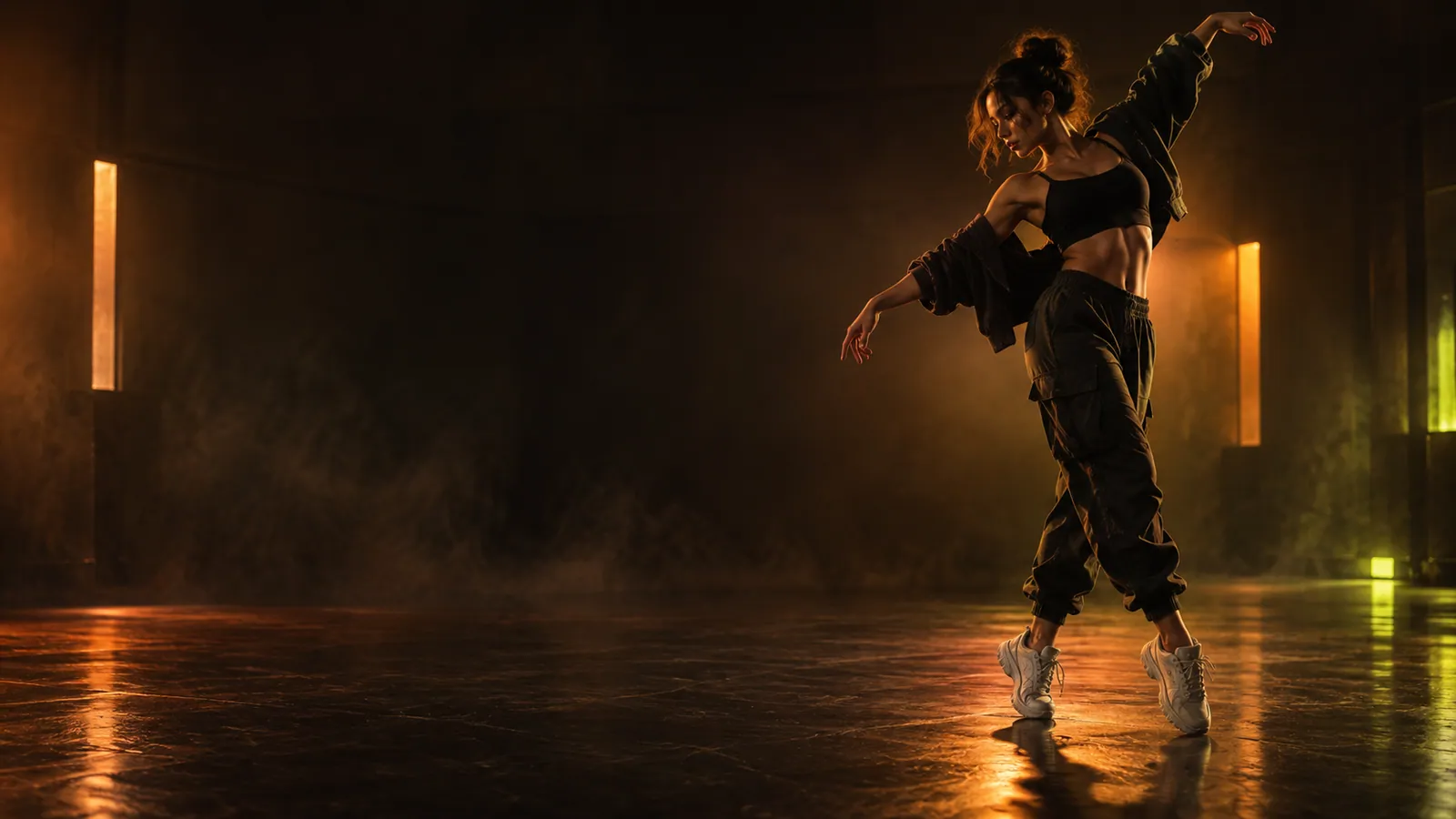
Choose a style, add your photo, and this frame will become your personalized vertical clip.
Style preview only — not a generated result or a guarantee of a particular outcome.
Product facts
A focused reference-image-to-video tool for adults creating short vertical dance clips—not a general-purpose video editor.
One full-body JPG, PNG, or WebP
Upload one clear image up to 10 MB with the person and both shoes fully visible.
5-second vertical MP4
Every result uses a 9:16 aspect ratio and can be rendered at 480P or 768P.
fal.ai + MiniMax H3 Max
The reference-to-video model animates the uploaded subject with guided tip-toe choreography.
1 credit at 480P · 2 at 768P
New accounts start with 0 credits. The one-time Starter pack costs $9 for 20 credits.
Temporary source photo
The source is designed to be deleted after terminal processing; result links expire after 24 hours and are not permanent storage.
Adult creators with permission
Use it for short-form meme and dance clips. Do not upload minors or anyone who did not consent.
Photo to dance in three steps
Choose a sharp, well-lit JPG, PNG, or WebP with the whole person and both shoes visible.
Describe the setting, camera feel, and attitude. The core tip-toe dance motion is already built in.
Create a five-second vertical dance video, preview the result, and download the finished MP4.
Made for short-form dance videos
The generator keeps the workflow focused: one clear image, a guided dance motion, and a compact output made for vertical feeds.
Start with a single full-body portrait—no filming, timeline editing, or motion reference clip required.
The main footwork is pre-directed, while your prompt controls the setting, energy, and camera style.
Generate a five-second 9:16 video in 480P or 768P, then preview and download it as an MP4.
AI dance video prompt ideas
The tip-toe movement is already built in. Use the optional prompt to guide the location, lighting, camera feel, and mood. These short examples are designed to be adapted, not copied word for word.
“Neon sneaker tunnel, low-angle tracking shot, orange and violet lights, playful confident energy.”
Good for a bold, high-contrast social clip.
“City rooftop at blue hour, slow camera push-in, glowing skyline behind the dancer, cinematic contrast.”
Use this for a polished urban atmosphere.
“Retro 1980s fantasy set, warm haze, theatrical lighting, whimsical storybook mood.”
A playful direction for a surreal meme-style result.
“Minimal white studio, soft floor shadow, centered camera, clean commercial lighting.”
Keeps the scene simple so the dancer stays prominent.
“Concrete streetwear set, handheld camera energy, crisp contrast, editorial fashion mood.”
Useful for a fast, contemporary creator aesthetic.
“Forest clearing at golden hour, floating light particles, gentle orbiting camera, magical atmosphere.”
Adds a softer cinematic setting around the same dance.
AI dance generator FAQ
It is an independent AI dance video generator that animates one full-body photo into a short, vertical tip-toe dance clip. It is not an official Nike or Jordan Brand product.
Use a sharp, well-lit, full-body photo with a simple background and both shoes visible. Avoid motion blur, cropped legs, covered feet, or multiple people.
No. The core tip-toe movement is already included. You can use the prompt to change the location, mood, camera movement, and visual style.
New accounts start with 0 credits, so a paid credit pack or plan is required before generating. A 480P video costs 1 credit and a 768P video costs 2 credits.
A five-second clip usually takes a few minutes. Generation can take longer when the video model is busy.
The application submits reference-to-video jobs through fal.ai to MiniMax H3 Max. The model animates the uploaded subject while the built-in instruction guides the tip-toe motion.
A failed generation is designed to return the credits reserved for that job automatically. A successful result is not refundable only because you dislike the output.
The result is a five-second, 9:16 vertical MP4. You can choose 480P for a faster preview or 768P for sharper detail.
The private signed result link expires after 24 hours. The underlying video is not guaranteed to remain for a fixed period, so download the MP4 promptly.
The reference photo is designed to be deleted after the job reaches a terminal state and its result is handled. A generation record may appear in your account history, but the signed result link expires after 24 hours and should not be treated as permanent storage.
You may use an eligible output only when you have the necessary rights and follow applicable law and platform rules. The service does not guarantee exclusivity, non-infringement, or intellectual-property protection.
No. This is an independent creative tool and is not affiliated with, endorsed by, or sponsored by Nike, Inc. or Jordan Brand.
Ready to animate your photo?
Sign in with Google, add credits securely with Stripe, and turn one full-body photo into a vertical dance clip.
Tip Toe in My Jordans Video Generator is an independent creative tool and is not affiliated with, endorsed by, or sponsored by Nike, Inc. or Jordan Brand. “Nike,” “Jordan,” “Air Jordan,” and related marks belong to their respective owners. Users are responsible for the rights and permissions required for every uploaded image and generated output.